




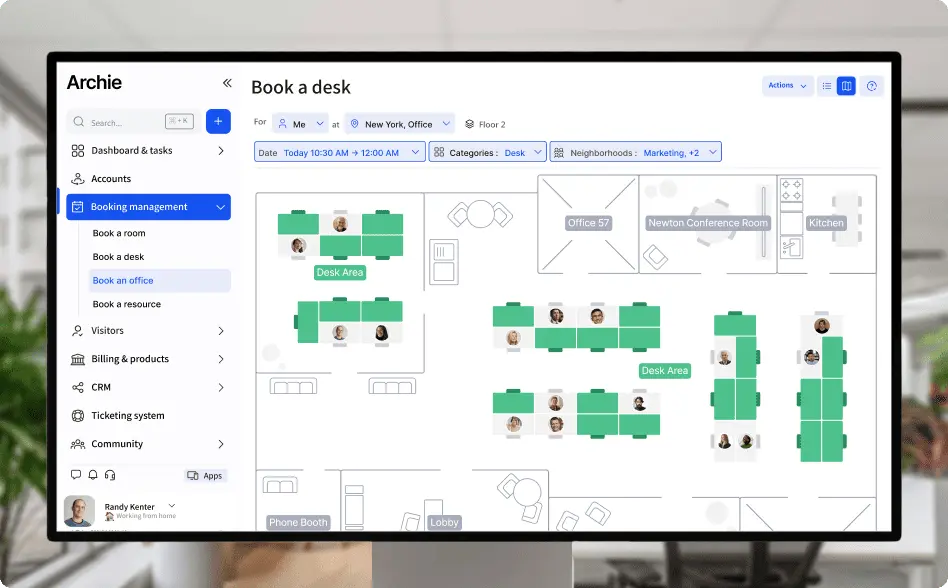
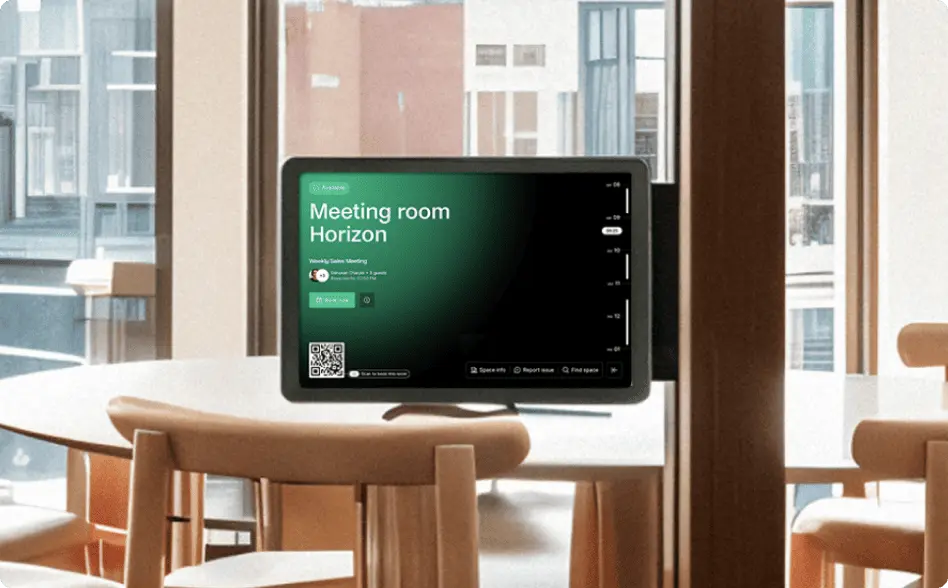
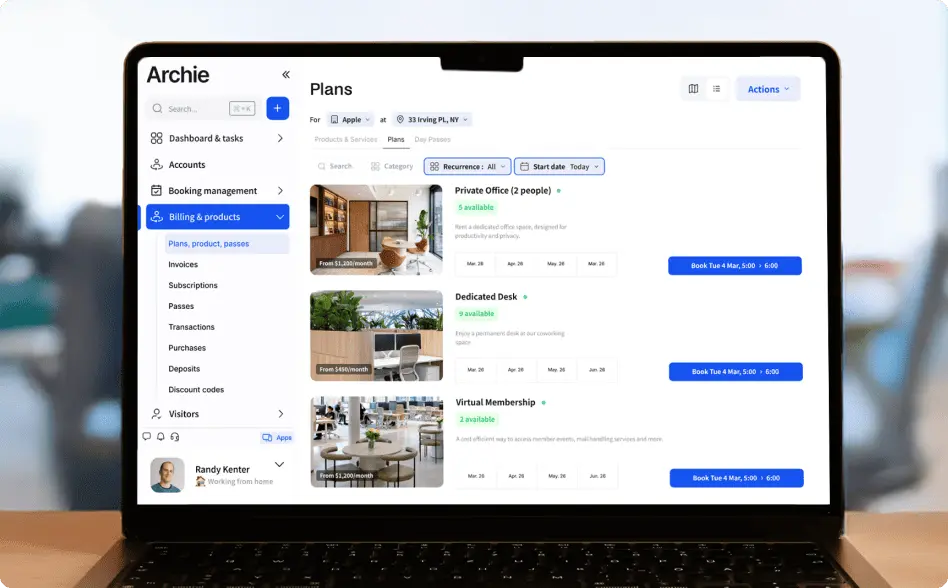



This update gives you more control over the visitor process from your desk and makes billing details more accurate for members around the world.
Know where guests arrive and manage visitors remotely
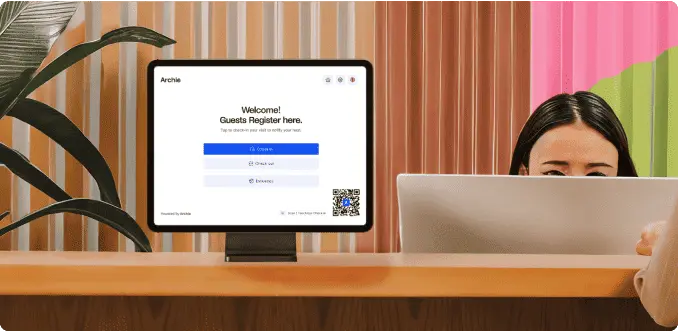
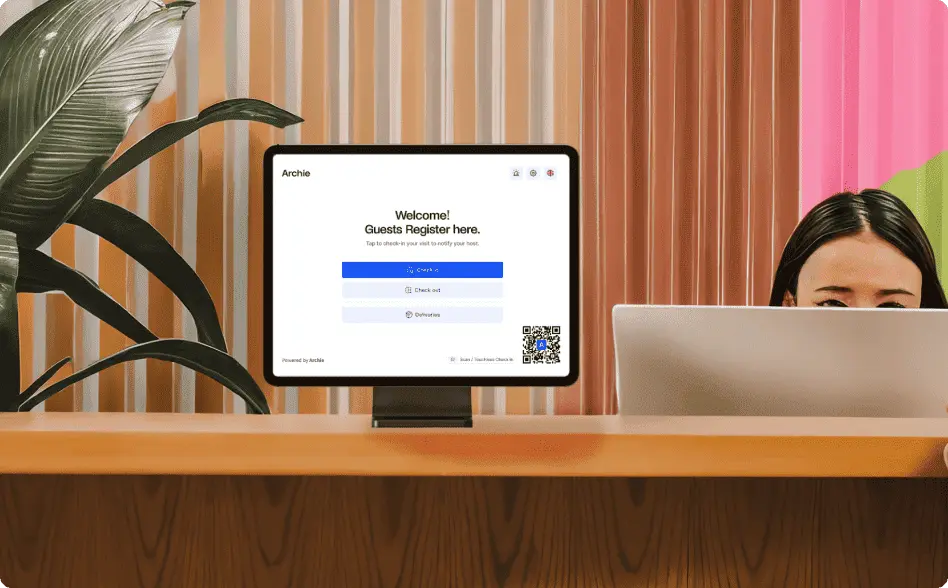
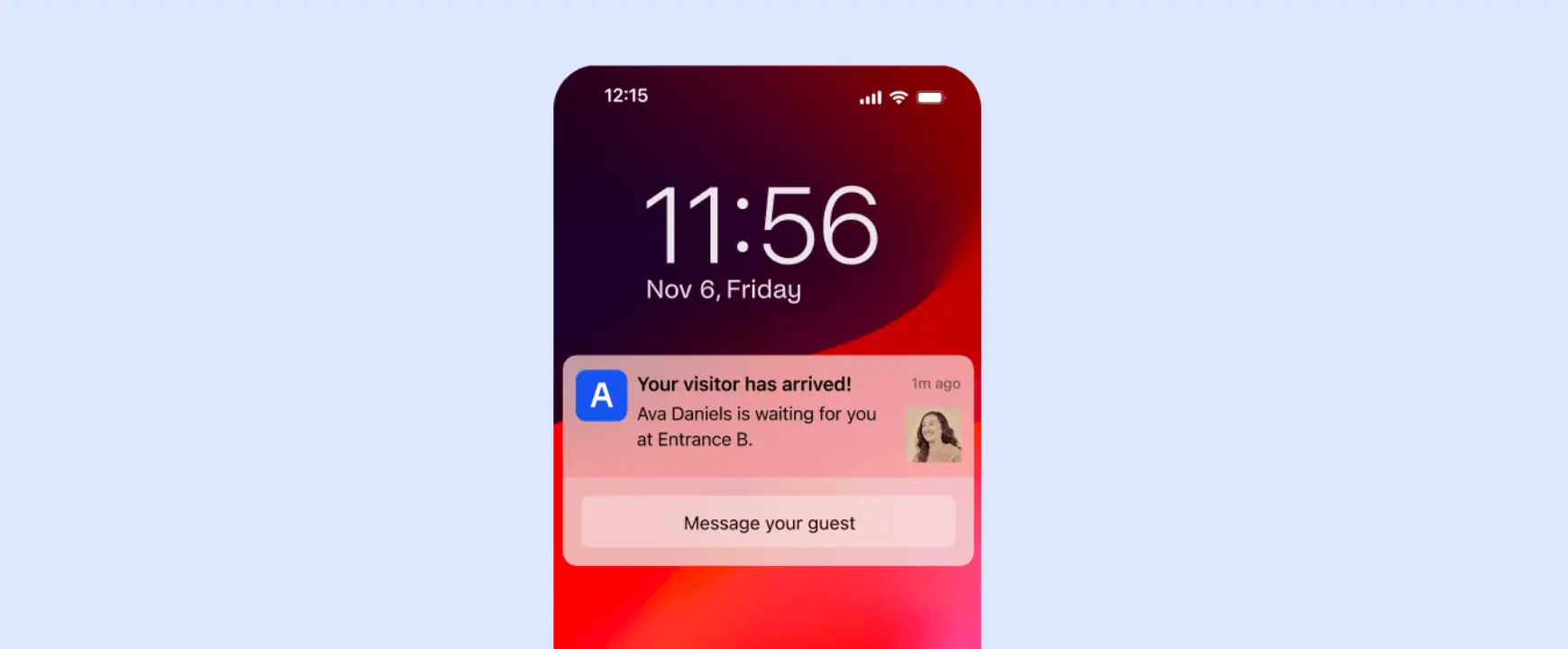
Bigger coworking spaces rarely have just one door. Add named entrances to your space, such as the street entrance, the lobby or a specific floor, and link visitor tablets to each one. When a guest checks in, the member hosting them sees which entrance they arrived at, so they know exactly where to meet them and your guests spend less time waiting.
Community managers and admins can also handle more of the visitor process remotely. From the web or the admin app, you can now:
- Print a visitor badge at any tablet in your space, straight from the web.
- Check in a visitor from the admin app, including the time and any custom fields, without needing a tablet.
- Ping a tablet directly in Archie to find out where it is.
Your billing setup is now more globally compatible
If you collect payments from SEPA accounts outside the EEA, the city and postal code are now required, on the web and in the mobile app. Getting those details right at sign-up means fewer payment hiccups down the line.
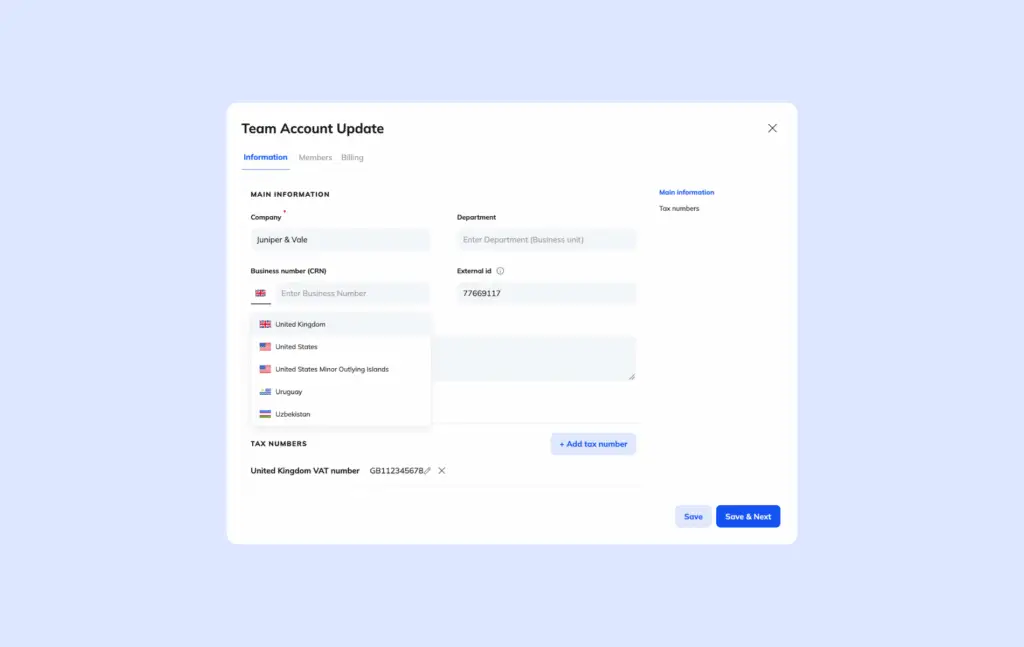
Business numbers now have a country field, so Archie knows which format applies and each member’s number is entered the right way, wherever they’re based.
Understand and improve your subscriptions
The Minimum Engagement Date is the earliest point at which a member can cancel on their own, and now applies to subscriptions with no end date too. That means you can keep memberships flexible and open-ended while still guaranteeing a minimum paid term. The payoff is more predictable revenue and fewer short-term cancellations.
The Archie subscription report now comes with clearer filters, owner columns, and ARR and MRR. Choose which columns you want to export and schedule them regularly so you don’t miss a thing.
Visit the Help Center for guides on how to optimize your space with Archie.