



















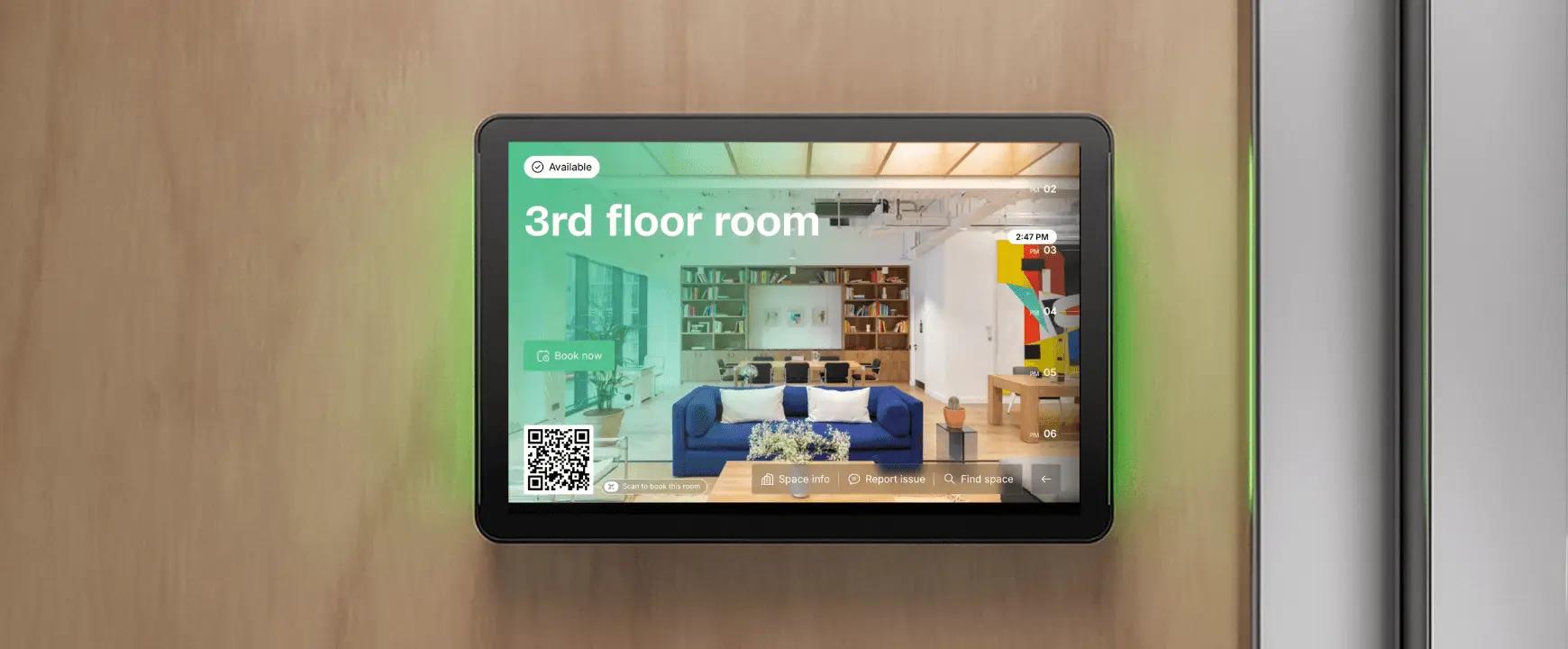
- What you’ll learn
- The most important considerations when deciding on which meeting room display hardware to purchase
- The pros and cons of using tablets, e-ink displays, and dedicated hardware
- Meeting room display product recommendations and price comparisons
Choosing and purchasing meeting room display hardware might not be the most exciting facet of your job, which is all the more reason getting the right hardware right the first time is kind of important. This is hardware that will be used day in, day out.
The point of it isn’t to be exciting. It’s to blend in with your office, such that using it barely registers as an event for your users: going to the display, checking availability, and booking a slot for the room takes seconds.
Tablets and e-ink devices both function as meeting room display hardware; there’s also dedicated scheduling hardware. You’ll likely need wall mounts and potentially want a kiosk option, too. If I’ve just added more complexity to your procurement plans, fear not. This guide is here.
If you have opted for Archie software, which, for wholly unbiased reasons, I think is the best, I’ve highlighted our recommended choices for you. Archie meeting room booking software runs on iPad or Android tablets, so there’s no proprietary hardware to buy.
What a meeting room display actually needs to do
Strip away the marketing, and a room display has three jobs:
- Show live availability.
Free, booked, and other available slots should be visible at a glance, not after a few minutes of navigating options. - Let someone book on the spot.
Walk-up meetings happen constantly, and if the display can’t handle that, people may take the room anyway – this is exactly the friction you want a room booking system to avoid. - Have the durability to be used daily for years.
This is the unglamorous part, but your preference should be strongly towards a lasting product/lasting products. If you have a medium to large office with multiple meeting rooms, this means plenty of reservations.
46% of professionals say they attend 3 or more meetings every single day, and 43% say they spend over 3 hours a week on scheduling meetings alone. Archie Rooms makes that a little easier for them, and meeting room displays that are practical & easy to use will reduce the amount of time scheduling eats into.
However, hardware is only half the battle. If you haven’t already done so, choosing your management platform first is often the smartest move. Diving into a comprehensive meeting room booking software guide allows you to map out the extensive features on offer before committing to devices, like no-show protection. Evaluating your software needs early ultimately maximizes how meeting rooms serve both your physical layout and your employees or members.
With Archie, meeting room displays are fully functional – you can reserve, check in, or end bookings directly from the display.
Every option below handles the three needs of meeting displays differently, and I’ll score each option out of ten for these factors. I’ve also added a score for cost efficiency, as no buyer’s guide would be complete without a proper understanding of budget.
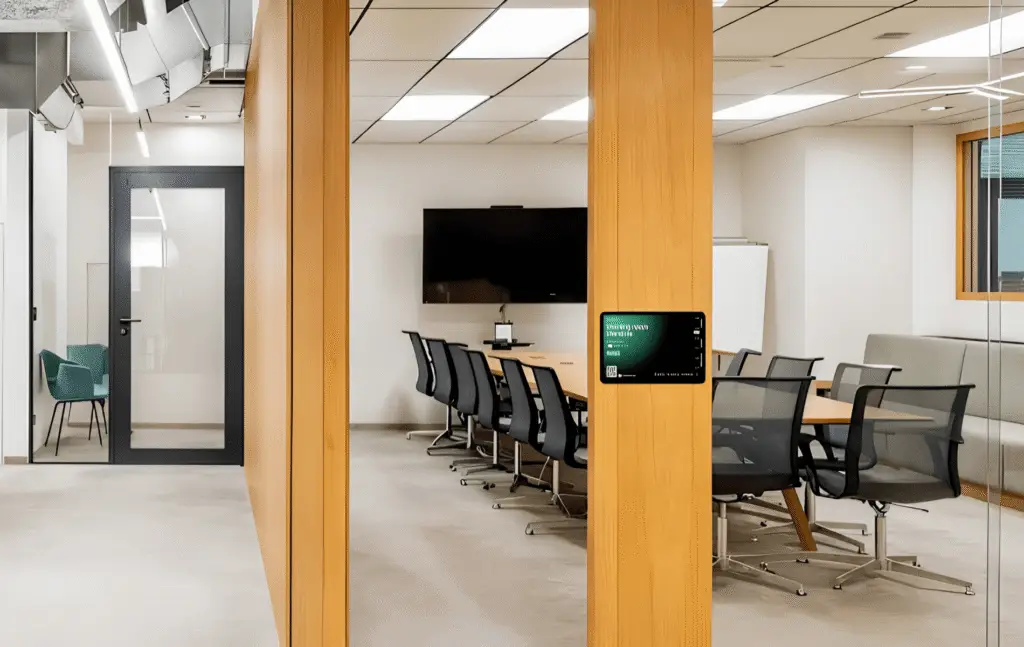
Meeting room display hardware option 1: Tablet
🔶 9/10 live availability display
🔶 10/10 walk-up booking ability
🔶 8/10 durability
🔶 9/10 cost-effectiveness (especially since you have control over the tablet you choose)
This is the approach Archie meeting room booking software is built around, but plenty of room booking platforms support it. The pitch is simple: instead of buying purpose-built scheduling hardware, you run the booking software on an off-the-shelf tablet.
You’ll have to choose between iPad and Android. I won’t go into a Mac vs PC advert-style personality breakdown of each choice (if you know, you know), as it really comes down to what your team prefers. iPads tend to have a slight edge in kiosk-mode lockdown maturity and resale value. Android tablets tend to win on upfront cost and the range of screen sizes available, which matters if you want a bigger screen for a lobby and a smaller one to tack onto each meeting room.
Pros of using a tablet display
- Bright, full-color displays, which can show pictures, full calendar availability, interactive floor plans, etc (if you use Archie Rooms)
- Better user experience and visibility.
- Faster screen refreshes and updates.
- Supports interactive booking and check-in directly on the screen.
- Works with standard iPads and Android tablets.
- Easy to replace, repurpose, or upgrade hardware.
- Compatible with common mounting systems and device management tools.
- No battery maintenance required.
Cons of using a tablet display
- You need to run it on continuous power, which means tablets need an outlet or a PoE adapter, so they’re always plugged in.
You also need a good wall mount so it’s securely fastened and usable. The best products offer a secure, tidy install without custom carpentry and don’t lock you into a specific tablet brand.
Our tablet and wall mount recommendations
Type | Details | Product Recommendation |
|---|---|---|
Apple Tablet | Archie works with iPads running iPadOS 16.4 or later. Most iPads released after 2019 support these versions. | iPad or iPad Air |
Android Tablet | Archie works with tablets running Android 7.0 and up, with access to the Google Play Store. | Galaxy Tab A9+ |
Wall Mount | A wall-mounted iPad enclosure designed for meeting rooms and shared spaces. | Heckler iPad Mounts |
Wall Mount | Secure wall-mounted tablet solutions with flexible mounting options. | iPort |
Meeting room display hardware option 2: E-ink devices
🔶 6/10 live availability display
🔶 7/10 walk-up booking ability
🔶 6/10 durability
🔶 7/10 cost-effectiveness
E-ink is a display technology that mimics the look of real ink on physical paper. E-ink room displays take the opposite approach from a powered tablet. Battery-powered, no wiring, a screen that sips power, instead of drawing it constantly. You stick it to the wall with a magnetic mount, no electrician required, and it runs for weeks between charges.
Joan, for example, is a meeting room booking software that provides customers with its own proprietary e-ink displays.
Pros of e-ink displays
- Battery-run means easy installation, with no cables or outlet needed. If you’re operating in an old building, for example, and plug-in capacity is low, this is going to be a much easier setup for you.
- Attractive visual display.
Cons of e-ink displays
- Hardware and software aren’t separable. This means you won’t have your choice of meeting room booking systems.
- Pricing is a dual model, with a per-user fee and a per-device fee. The device cost sits on top of the subscription, not instead of it. If you have multiple conference rooms, the subscription compounds.
- Slower refresh: e-ink cannot redraw instantly, so there’s a slight lag between bookings and the display catch-up. This is why the ‘walk-up booking’ score is slightly lower: it is possible but it’s slower than the tablet experience.
- Battery life is a consideration – reviewers comment that it’s often less than advertised, causing a hassle if the meeting display dies unexpectedly partway through a busy workday.
If your priority is to avoid electric work, e-ink wins that argument outright. And for some people, the look and feel of e-ink devices offer a novelty that is appealing. However there are noticeable drawbacks if you opt for this aesthetic.
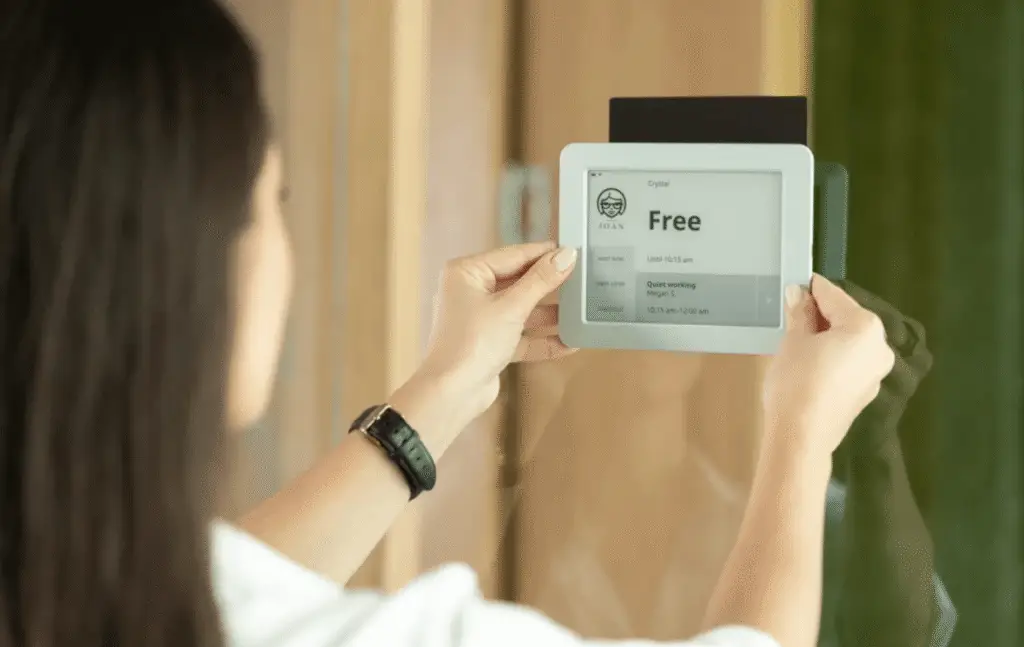
The battery vs power trade-off
This title is a slight mislead, as the real trade-off isn’t battery versus power, it’s who does the maintenance and when.
E-ink asks for nothing at install, then quietly asks for something every few weeks, forever: someone has to track charge levels across every room and catch the ones running low before they die mid-workday. A tablet asks for a bit more at install, a cable or a PoE run, and then asks for nothing again.
If you have the option, then a ‘set it and forget it’ setup is always a better choice in the long run.
Meeting room display hardware option 3: Dedicated scheduling hardware
🔶 7/10 live availability display
🔶 7/10 walk-up booking ability
🔶 7/10 durability
🔶 4/10 cost-effectiveness
Dedicated scheduling hardware like Logitech or Crestron is almost in a slightly different category, as it doesn’t come with software. These are purpose-built devices – Logitech’s Tap Scheduler and Crestron’s TSS line are the two names you’ll run into most.
Archie Rooms doesn’t integrate directly with these panels today, as they’re mostly built around video conferencing platforms like Teams Rooms and Zoom Rooms. This means you’re likely not using room booking software yet, and are maybe managing things within your existing work tech stack, like Microsoft Bookings. However, we always recommend establishing some kind of meeting room booking protocol.
For most offices choosing between a tablet and a dedicated panel, the practical difference is this: a standard tablet running Archie usually costs less and offers far more feature depth than these purpose-built panels with limited software. And you’re not tied to a single hardware line to get updates or support.
Pros of dedicated scheduling hardware
- Built for exactly one job, so the interface is consistent out of the box, with no setup decisions to make
- Tight integration with the video conferencing stack it’s paired with – occupancy sync and one-touch join.
- Single-vendor support and warranty, which some IT teams prefer for accountability.
Cons of dedicated scheduling hardware
- Price. These dedicated softwares usually cost somewhere between $1,000 and $2,000.
- You’re locked to the ecosystem it ships for. If your org moves off Teams Rooms or Zoom Rooms, or switches to a booking software, the hardware doesn’t necessarily move with you.
- Slower to replace. If that SKU is backordered, your room display is down until it arrives, not until someone walks into an electronics store.
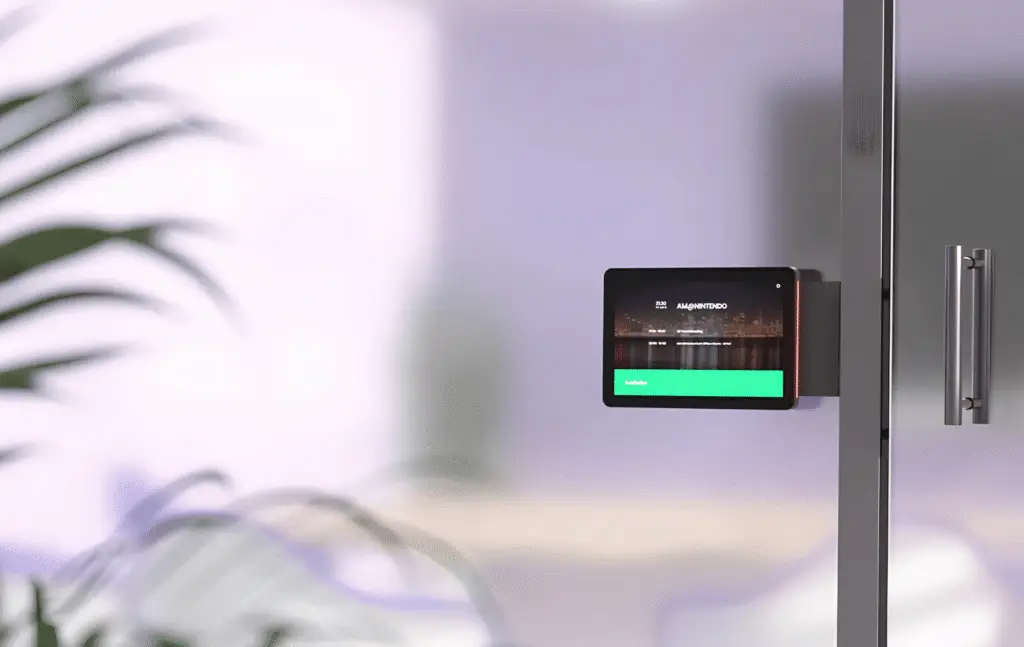
Optional meeting room display: Kiosks
Your kiosk display can be a larger, freestanding or wall-mounted screen placed somewhere central, like your lobby, a floor entrance, a coworking space front desk, etc. It shows the status of every room at once, and if you’re using Archie, an interactive floor plan.
This is definitely recommended if you’re managing a large space with multiple conference rooms and/or one where not every user is completely familiar with the layout. This isn’t necessarily an ‘either-or’ choice – you can have a kiosk display sitting at your front desk with separate displays outside each meeting room.
Install an office wayfinding kiosk in the lobby, common area, or near work zones so everyone has quick access to reserving meeting rooms or desks – right from the screen, people can find a spot, check in, or release one.
Our kiosk hardware recommendation
Model | Details |
|---|---|
Elo I-Series 22 | All-in-one 22" Android touchscreen kiosk with built-in OS and browser support (does not require an external PC). |
Elo 3204L + PC | 31.5" VESA-mount touchscreen display (requires an external mini-PC for browser-based kiosk use) |
A side-by-side price comparison of meeting room display hardware
Hardware costs vary more than most buyers expect – from budget Android tablets to purpose-built scheduling panels running into the hundreds. Here’s how the main options stack up on price, so you can match your spend to what your space actually needs.
Remember to factor in any room scheduling software costs also.
Category | Hardware | Screen size | Typical cost | Archie compatible |
|---|---|---|---|---|
Tablet | Apple iPad (11") | 11" | $349–449 | ✅ |
Tablet | Apple iPad Air (11") | 11" | $599–699 | ✅ |
Tablet | Samsung Galaxy Tab A9+ | 11" | $180–250 | ✅ |
Tablet | Samsung Galaxy Tab A11+ | 11" | $230–300 | ✅ |
Tablet | Samsung Galaxy Tab S9 FE | 10.9" | $350–450 | ✅ |
Tablet | Samsung Galaxy Tab S10 FE+ | 13.1" | $500–650 | ✅ |
Tablet | OnePlus Pad 2 | 12.1" | $500–600 | ✅ |
Tablet | TCL NXTPAPER 11 Plus | 11" | $200–300 | ✅ |
E-Ink Scheduler | Joan 6 / 6 Pro | 6" | $9.99 per device/month | ❌ |
Dedicated Scheduler | Logitech Tap Scheduler | 10.1" | $699–999 | ❌ |
Dedicated Scheduler | Crestron TSS-770 | 7" | $700–1,400 | ❌ |
Dedicated Scheduler | Crestron TSS-1070 | 10" | $900–1,600 | ❌ |
Kiosk Display | Elo I-Series 22 | 22" | $1,300–1,700 | ✅ |
Kiosk Display | Elo 3204L + Mini PC | 32" | $1,000–1,600 | ✅ |
Tablet Mount | Heckler Design iPad Mount | – | $150–250 | ✅ |
Tablet Mount | iPort Surface Mount / CONNECT | – | $180–400 | ✅ |
Let’s tally up the scores
Earlier, we laid out the three major needs for meeting room display hardware: to show live availability, to let someone book on the spot, and to ensure durability for daily use. How did each option score?
🔶 Tablets = 36/40
🔶 E-ink = 26/40
🔶 Dedicated hardware = 25/40
Ultimately, choosing standard tablets is not only the most budget friendly option for most instances. It also is the most user-friendly and tablets are very durable for daily use.
Paired with Archie’s versatile meeting room booking software, you can manage changing floor plans (across multiple locations), sync with tools like Slack and Google Cal, filter by room resources, monitor occupancy, configure room booking rules, and more.
Meeting room booking display hardware FAQs
Do I need a separate display for every meeting room, or can one kiosk cover several?
Per-room displays and shared kiosks solve different problems, and many offices end up using both rather than choosing one. A tablet outside each room answers “is this specific room free right now” in the two seconds it takes to glance at it. A kiosk answers “which room, out of all of them, is free right now”: useful in a lobby or shared floor, but not always a substitute for the door-mounted display once someone’s already standing outside a specific room.
Can I use tablets we already own, or do they need to be new?
Used is fine, provided the OS is current enough. For Archie specifically, that means iPadOS 16.4 or later (most iPads from 2019 onward) or Android 7.0 and up with Play Store access. If you’ve got a drawer of old iPads, it’s genuinely worth checking their OS version before buying any new meeting room display hardware.
What do meeting room displays show?
Meeting room display hardware shows whether the room is free, booked, or about to become available. Beyond that baseline, it depends on the hardware. Tablet-based displays like Archie’s can show a lot more: room photos, branding, the meeting title and organizer, and the day’s full schedule, because the screen has the resolution and color range to support it. E-ink displays show a simpler version of the same information: usually just the room name, current status, and next available time, in black and white.
Can meeting room displays show occupancy in real time?
A tablet updates the instant a booking changes, so “free” or “booked” is always current. Meeting room booking software can also show future availability, including recurring bookings, as well as room details and resources.
Can employees book or check in directly from the display?
Yes. Employees can use the touchscreen to book an available room instantly or check in to a scheduled meeting when they arrive. This helps keep bookings accurate and prevents no-shows.